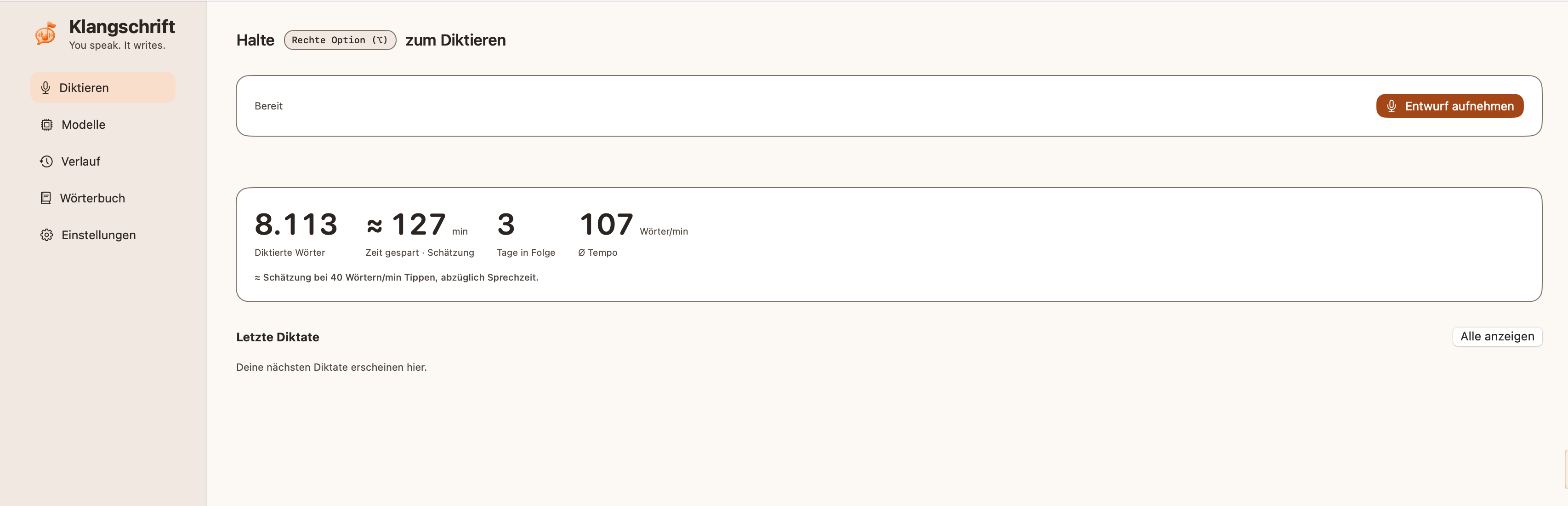
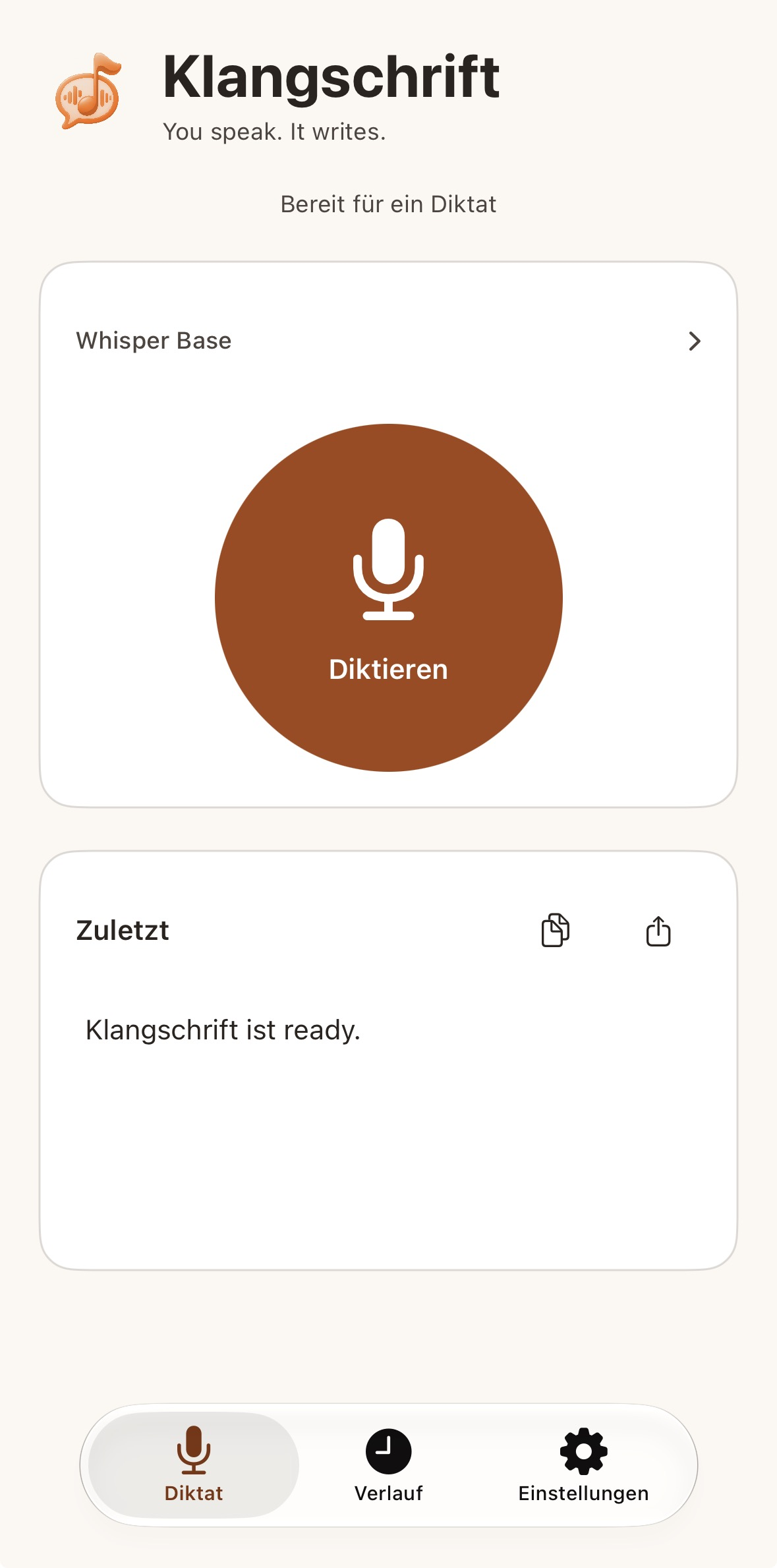
Klangschrift is a dictation app for macOS and iPhone. You speak, and the words appear as text. The important part is where that happens: speech is converted directly on your device. Nothing is sent to a cloud service.
I built it because I wanted to dictate notes, messages and drafts without handing my voice to a third party. Privacy was the starting point, not a feature I added later.
On the Mac
The Mac app keeps a history of your dictations, so a sentence you said an hour ago is still there when you need it. You choose the model that fits your machine and what you need at the moment.
On the iPhone
The iPhone version works as a keyboard. Switch to Klangschrift in any app, speak, and the text lands where your cursor is. Mail, notes, chat, browser: the same workflow everywhere.
Why on-device matters
Dictations often contain things you would not post anywhere: client names, medical notes, half-finished thoughts. When the speech never leaves the machine, there is nothing to leak and no provider's terms to read first.
That is also why I think of Klangschrift as a tool for anyone who writes a lot and does not want their voice sitting in someone else's data center. The privacy part is not a bonus. It is the reason the app exists.
Open source
The code is open on GitHub, so you can read exactly what the app does with your audio. Trust is easier to check when you can look inside.
Klangschrift ist eine Diktier-App für macOS und iPhone. Ich spreche, und der Text erscheint. Entscheidend ist, wo das passiert: Die Sprache wird direkt auf dem Gerät in Text umgewandelt. Nichts geht in einen Cloud-Dienst.
Ich habe sie gebaut, weil ich Notizen, Nachrichten und Entwürfe diktieren wollte, ohne meine Stimme an einen Dritten zu geben. Datenschutz war der Ausgangspunkt, kein Feature, das ich später nachgerüstet habe.
Auf dem Mac
Die Mac-App führt einen Verlauf der Diktate. So ist ein Satz von vor einer Stunde noch da, wenn ich ihn brauche. Das Modell wähle ich selbst, passend zu meinem Gerät und zu dem, was ich gerade brauche.
Auf dem iPhone
Die iPhone-Version funktioniert als Tastatur. In jeder App auf Klangschrift wechseln, sprechen, und der Text landet dort, wo der Cursor steht. Mail, Notizen, Chat, Browser: überall derselbe Ablauf.
Warum das Gerät zählt
Diktate enthalten oft Dinge, die man nirgends veröffentlichen würde: Kundennamen, medizinische Notizen, halbfertige Gedanken. Wenn die Sprache das Gerät nie verlässt, gibt es nichts, das abfliessen kann, und keine Nutzungsbedingungen eines Anbieters, die man vorher lesen muss.
Deshalb sehe ich Klangschrift als Werkzeug für alle, die viel schreiben und ihre Stimme nicht im Rechenzentrum eines Dritten liegen haben wollen. Der Datenschutz ist kein Bonus. Er ist der Grund, warum es die App gibt.
Open Source
Der Code liegt offen auf GitHub. So lässt sich nachlesen, was die App mit dem Audio macht. Vertrauen ist leichter zu prüfen, wenn man hineinschauen kann.